Introduction
www.oneoceanweek.com
The solution
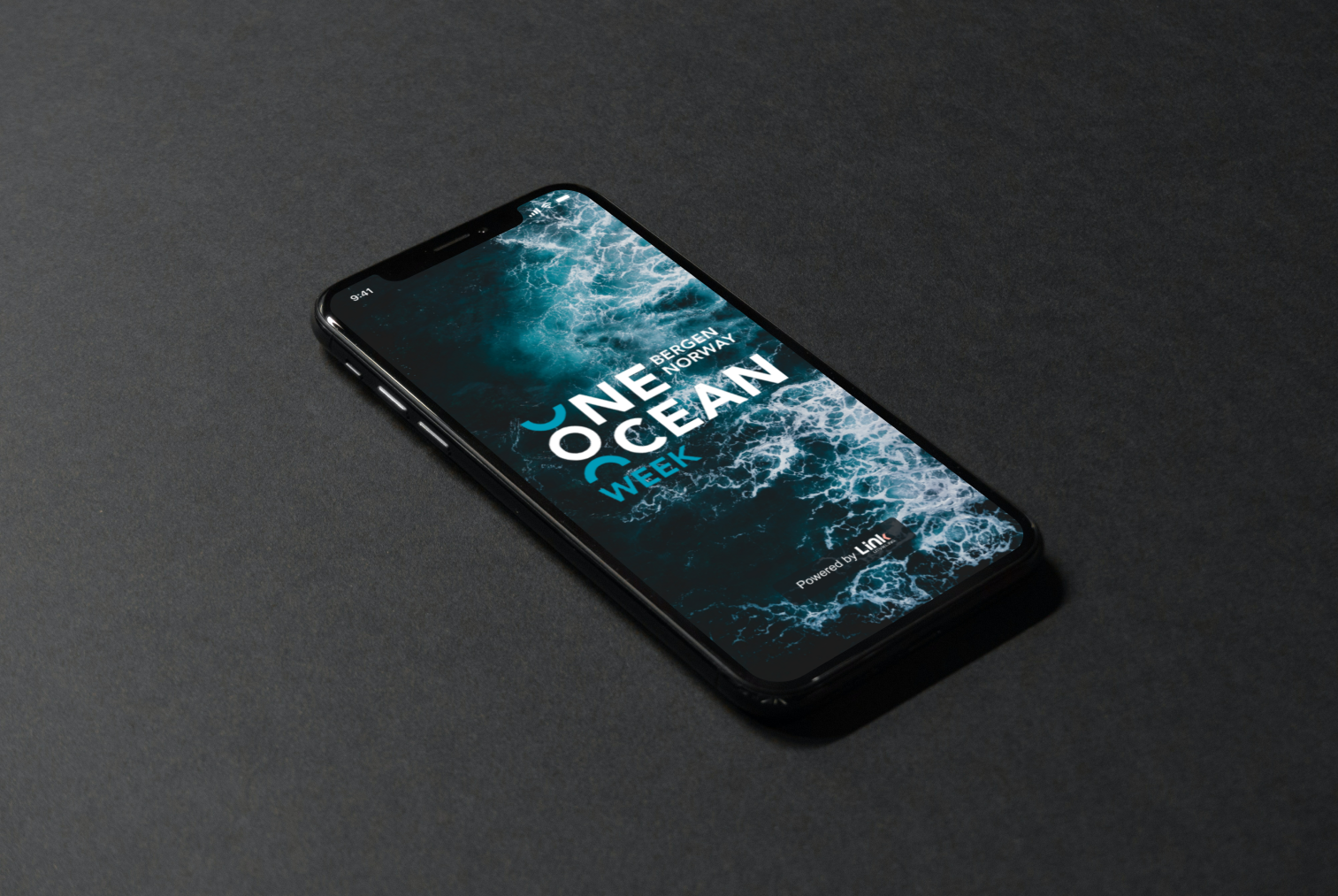
We are building the One Ocean Week app for the biggest business week in Western Norway in April.
The purpose of the application is to improve the experience of One Ocean Week and create a closer connection with the audience. An event app like this gives participants a practical platform for a simple overview, access to up-to-date information and the ability to organise the events they want to attend. It eases communication between organisers and participants, increases engagement through notifications and interactive features, and aims to create a seamless, coherent experience.
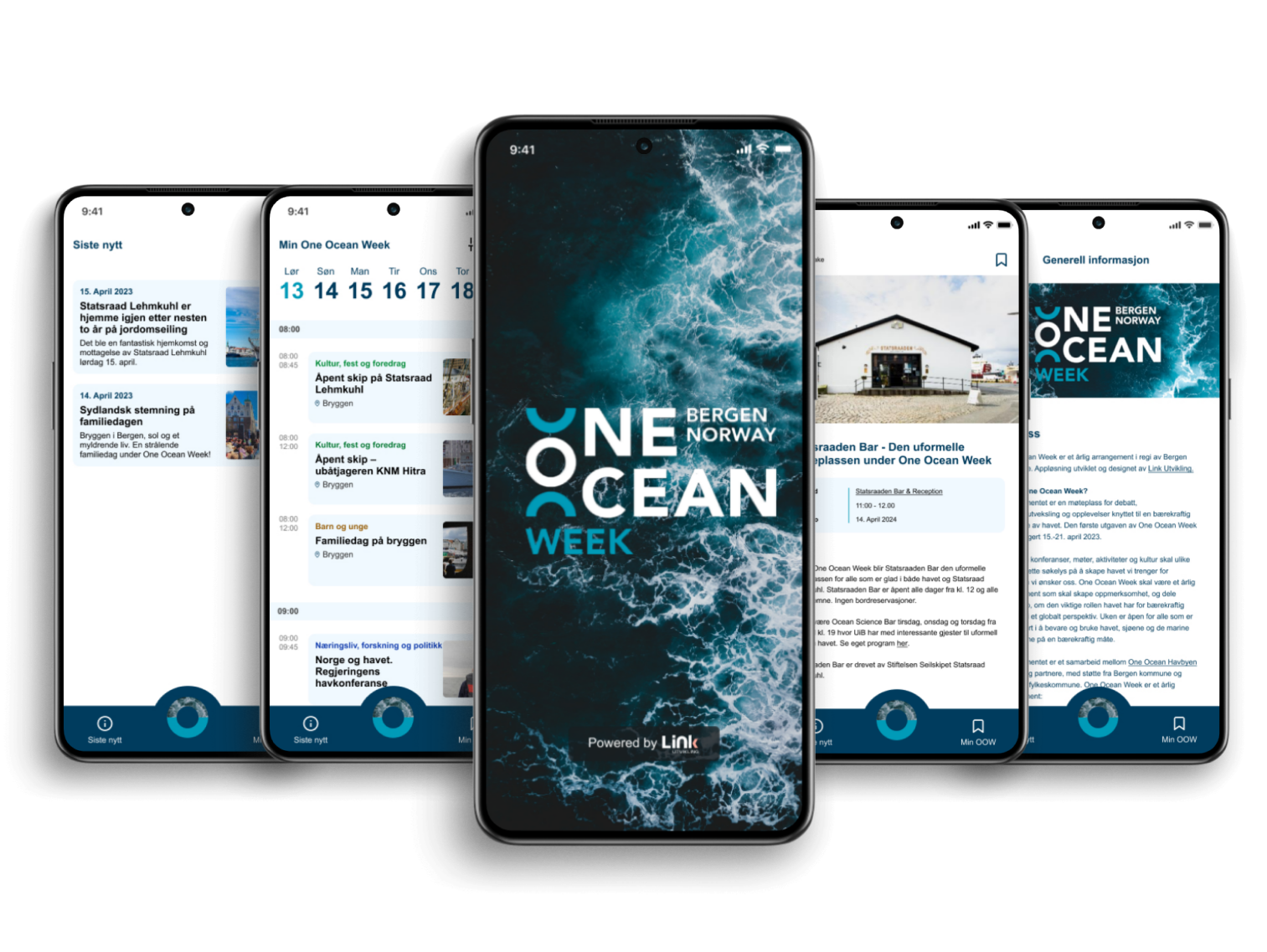
Blue is often associated with professionalism and trust. Since the app represents an organisation committed to sustainability and ocean conservation, we wanted the blues to reflect that. The brand manual for Havbyen Bergen gave guidelines for the use of colour, and we extended it to maintain consistency and recognition.
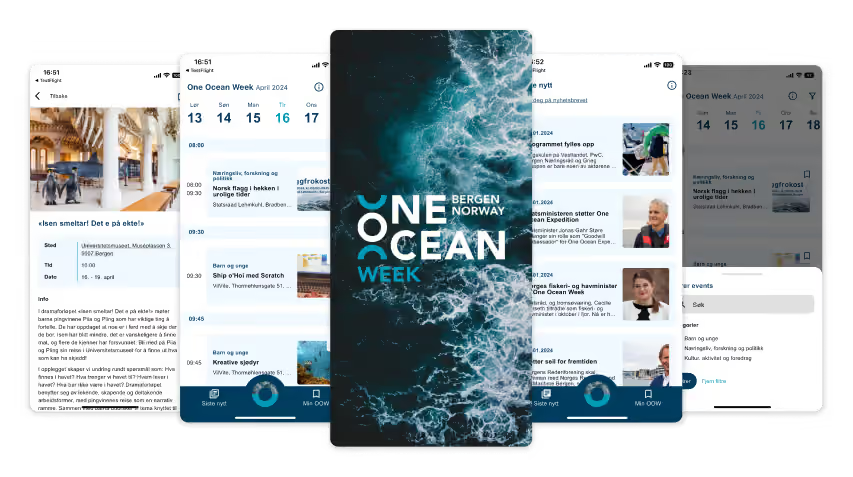
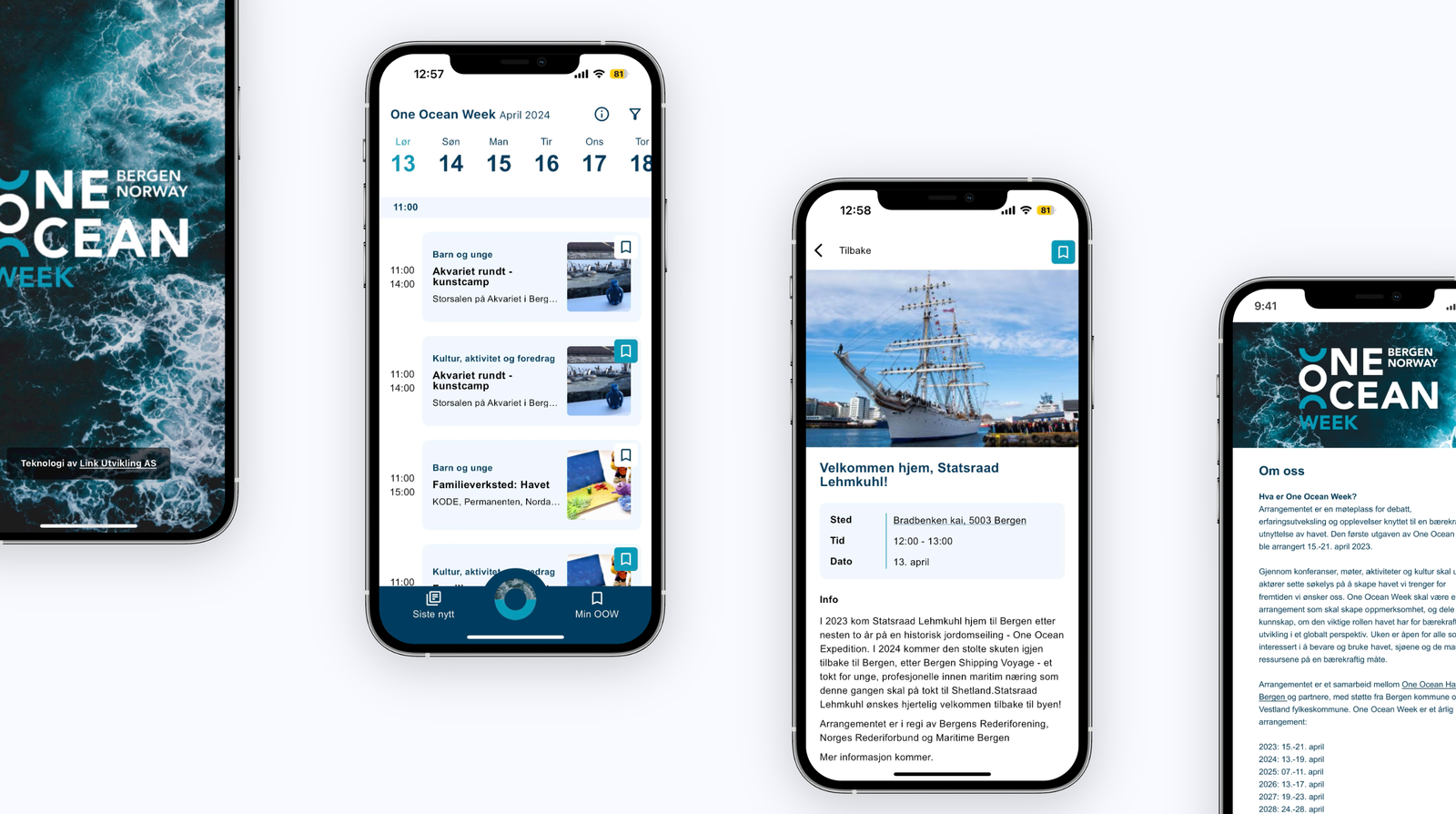
The application gives users a full overview of all the events taking place during One Ocean Week. They are sorted by date and time and can be filtered by category. From the start page you can tap into each event for more information or save it under My OOW. Under My OOW you find an overview of the events you want to attend and have saved. Inside each event you find information about what is happening, where and when. The address is clickable and takes you to a map for navigation. Links in the text are clickable and open in a new tab. Under Latest news you find current stories from the organiser. Articles are sorted by publication date, and tapping a story takes you to it inside the application. You can also sign up for the newsletter from this page.
Link Utvikling handled the concept, design and development, and we thank them for a solid effort and good collaboration.
The solution
Event calendar
The event calendar gives a simple, clear overview of all events during One Ocean Week. Events are sorted by date and time and can be filtered by category at the top right. Every event has its category, title and address easily available from the start page. From there you can save the events you want to keep under My One Ocean Week.
The solution
Event
From the start page you can tap into the event you want. Inside the event you find information about what is happening, where and when. The address is clickable and takes you to a map for navigation. Links in the text are clickable and open in a new tab.
The solution
My One Ocean Week
Under My OOW you find an overview of the events you want to attend and have saved. To save an event, tap the small box at the top right of the event on the start page. The overview is sorted by date and time and can be filtered by category.
The solution
Latest news
Under Latest news you find current stories from the organiser. Articles are sorted by publication date, and tapping a story takes you to it inside the application. You can also sign up for the newsletter from this page.
The technology used to build the application is Flutter and Firebase. Data is pulled from www.oneoceanweek.com